Team Command
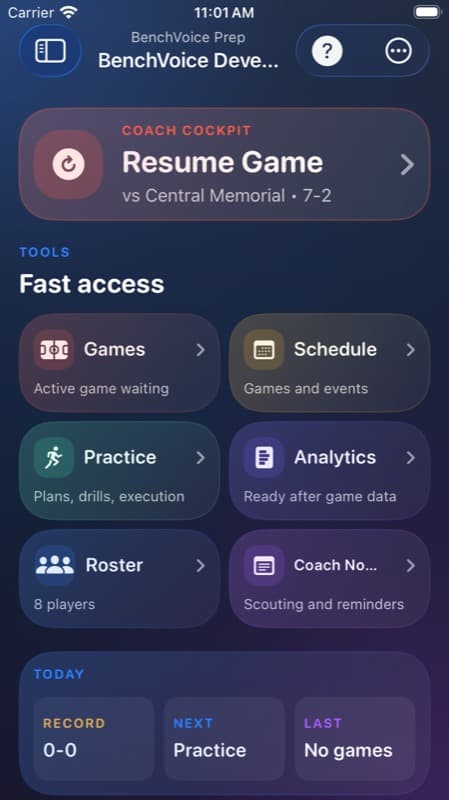
Fast routes to games, schedule, practice, analytics, roster, and notes keep the team workspace action-ready.
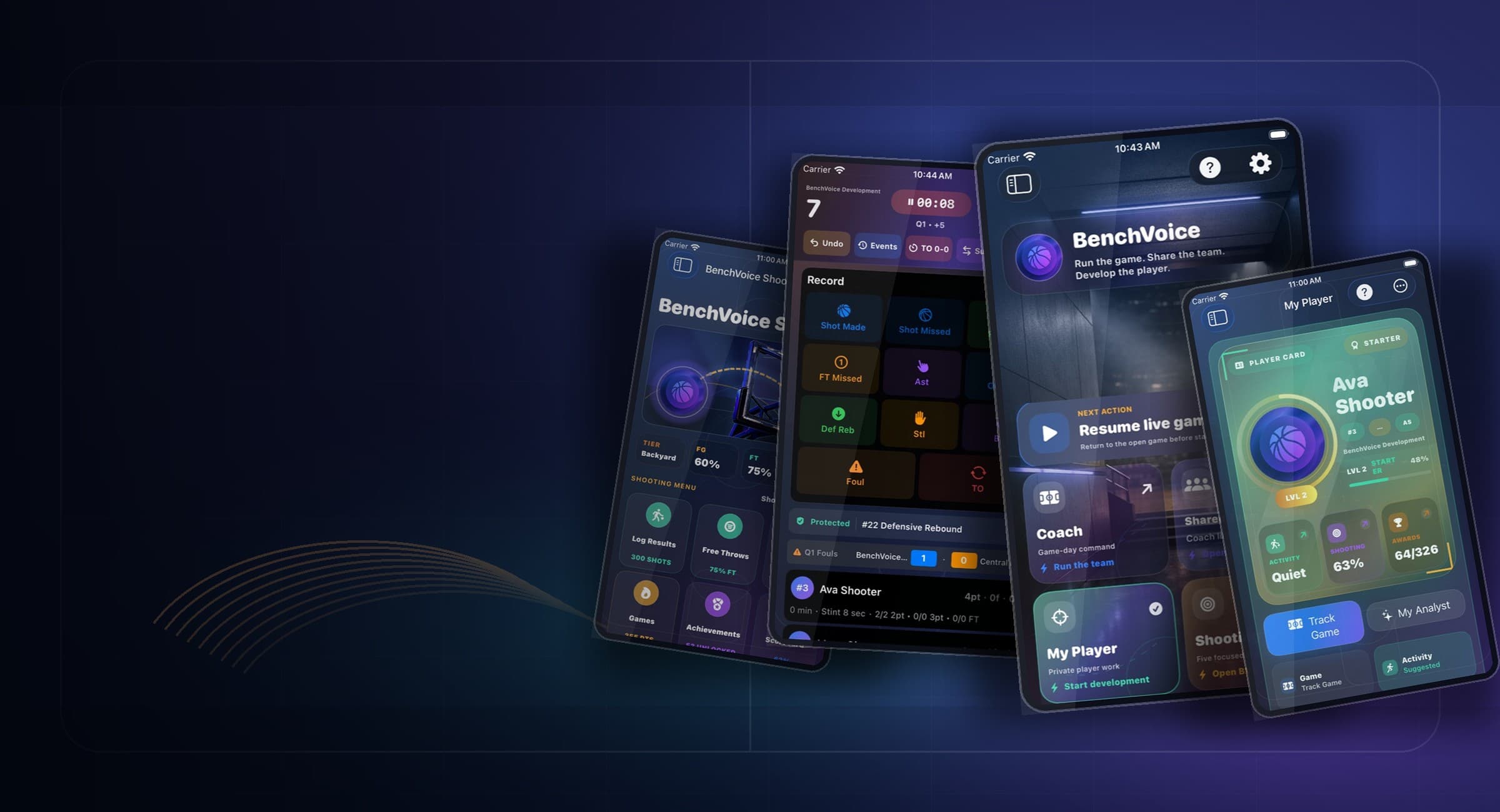
Team games, MyPlayer reps, Community progress
BenchVoice lets teams run the live game while players build MyPlayer momentum through shooting, workouts, awards, and Community comparison. Neither lane has to be secondary.
Start with the job
Keep score, clock, fouls, lineups, substitutions, shots, and corrections close to the action while play is moving.
MyPlayerGive players their own lane for workouts, focused game context, shooting progress, awards, goals, and the next action.
ShootingConnect zones, scorecards, weekly activity, streaks, and progression to a player-visible development story.
Community DashboardLeaderboards, tiers, percentile, category charts, and weekly movement turn MyPlayer effort into a reason to return.
MyPlayer
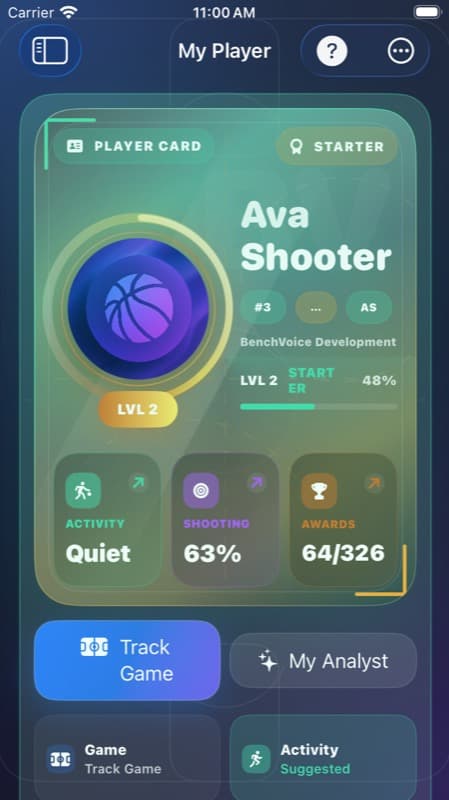
Players need a place that feels like theirs: activity, workouts, focused game tracking, shooting scorecards, awards, goals, and progress all pointing toward what to do next.
Team Game
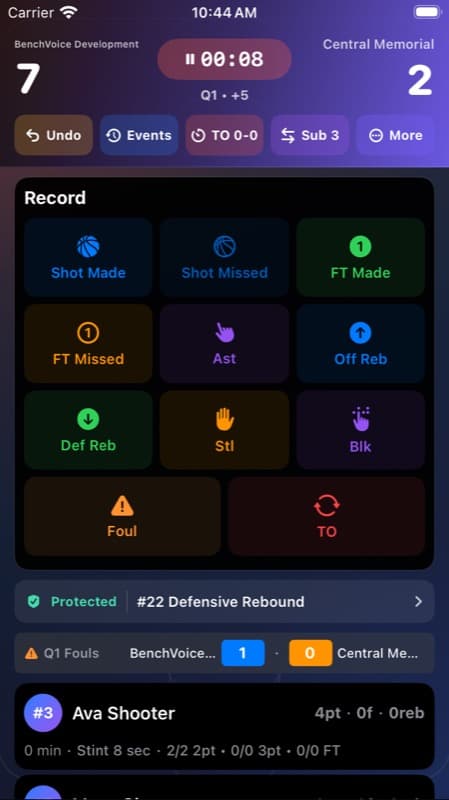
BenchVoice keeps the team record close to the game action: score, fouls, lineups, substitutions, shots, timeouts, event history, and corrections.
Official Team Update
Shared Team Access gives the people around the team a clean path into the team update. MyPlayer still stays focused on the player-owned work, progress, and next action.
Review sharing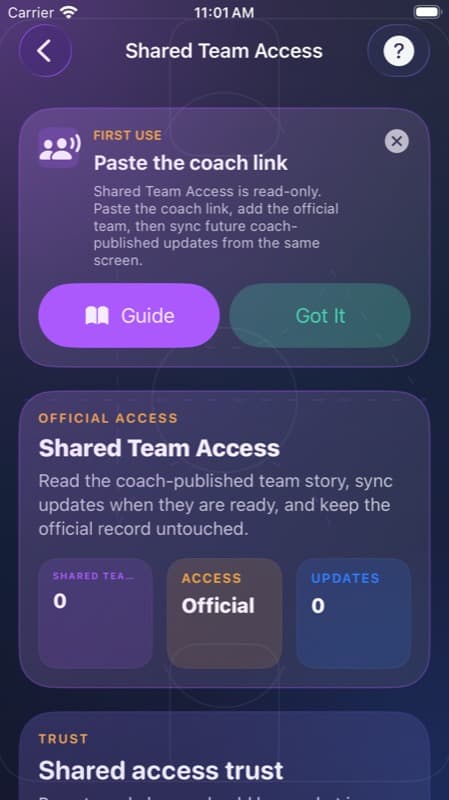
Product Loop
Fast routes to games, schedule, practice, analytics, roster, and notes keep the team workspace action-ready.
The live surface protects the official game story with quick capture, undo, and event context.
The player lane has its own rhythm: activity, shooting, awards, goals, progress, and next actions.
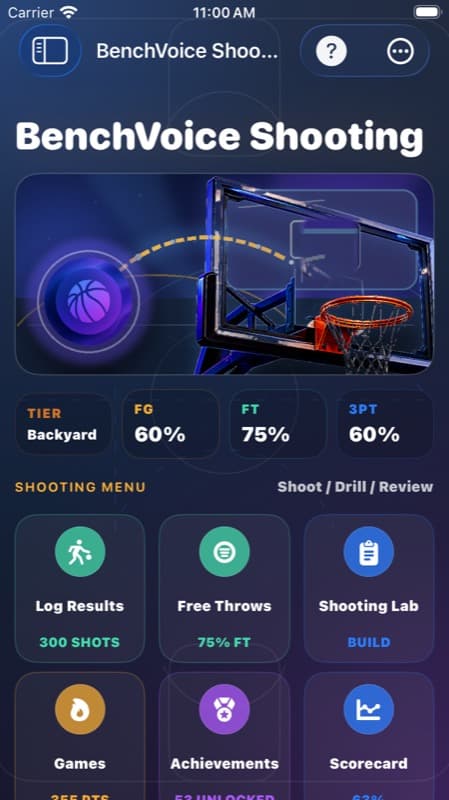
Focused sessions turn zones, scorecards, and weekly activity into visible progress.
Team updates can be shared without taking over the player development lane.
Guide
Keep the app action-first. The separate guide answers role, setup, sharing, Community, and export questions without crowding the working screens.
Start from the lane that matches what you are doing now: Team Game for live tracking, MyPlayer for personal development, Shooting for reps, Community for comparison, or Shared Team Access for the team update.
Add the roster, open the active team, or create/select the player profile before logging games, workouts, shooting sessions, goals, or progress.
Use the game surface for score, fouls, substitutions, lineups, shot locations, timeouts, event history, and corrections while the game is happening.
After the game, the team operator decides what to share. Shared Team Access gives players, parents, assistants, and family viewers the team update.
Repeat Use
A player can see workouts, shooting, goals, awards, and progress without needing the team lane to explain everything.
Zones, scorecards, streaks, and weekly activity turn practice from memory into a visible player story.
Ranks, tiers, category charts, and weekly movement add a fresh reason to keep logging real basketball work.
FAQ
BenchVoice connects team game tracking, MyPlayer development, Shooting, shared updates, Community comparison, reports, and exports into one basketball progress loop.
BenchVoice is built for coaches and stat keepers who run the team record, players who want a focused development lane, parents who need shared updates, and trainers who track individual work.
Choose the lane that matches the job: Team Game for live tracking, MyPlayer for development, Shooting for reps, Community for comparison, or Shared Team Access for the team update.
Yes. The in-app Guide gives direct answers for setup, live capture, MyPlayer, Community, sharing, import/export, metrics, and product-lane questions without turning every screen into a tutorial.